Simple scan-based steps
Record incoming stock, transfers and dispatch with QR scans.
 A Maxxtech
QR WAREHOUSE MANAGEMENT SYSTEM (WMS)
Scan items and locations to record receiving, transfers, stock checks and dispatch.
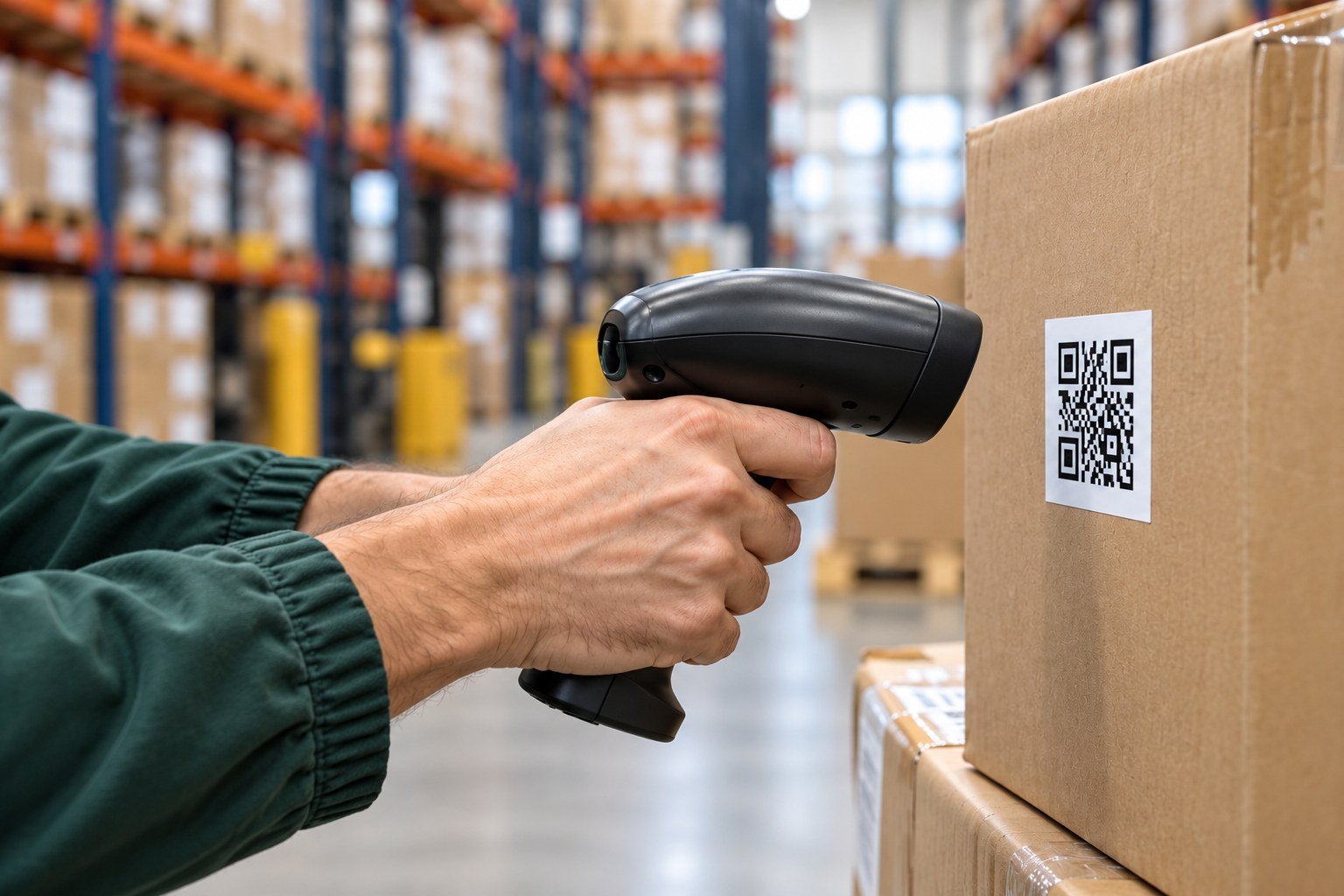
Record incoming stock, transfers and dispatch with QR scans.
Link items to storage locations in your stock records.
Compare counted items with recorded stock.
What your team can do
The essentials for daily stock control.
Link QR codes on items and storage locations to your stock records.
Scan items when stock arrives or moves to another location.
Count stock and compare the results with your records.
Scan outgoing items as part of your dispatch checks.
Your questions, answered
A few useful answers before we talk.
Ask us a questionQR may suit a process where scanning visible labels one at a time is practical. RFID may suit group stock checks or selected automatic reading points. Choose based on the task and your items.
The code identifies the item or location. A scan and the required activity details must reach the system to create or update the relevant record.
We can review the devices you have and whether they suit the proposed scanning process. Compatibility should be confirmed before setup.
Let’s take the next step
Tell us what you want to track.
